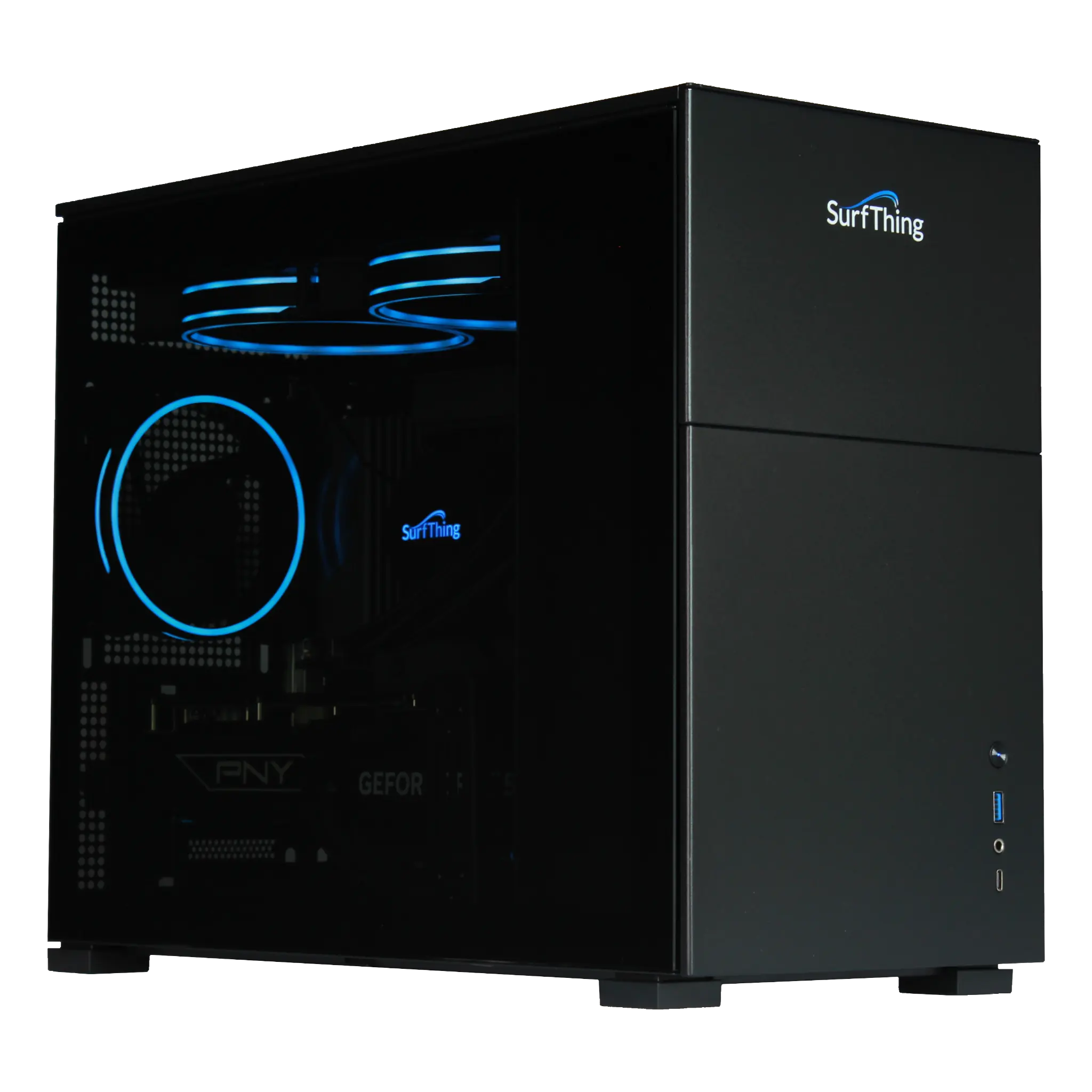
1. The 2026 SG3 Series: Future-Proof Performance
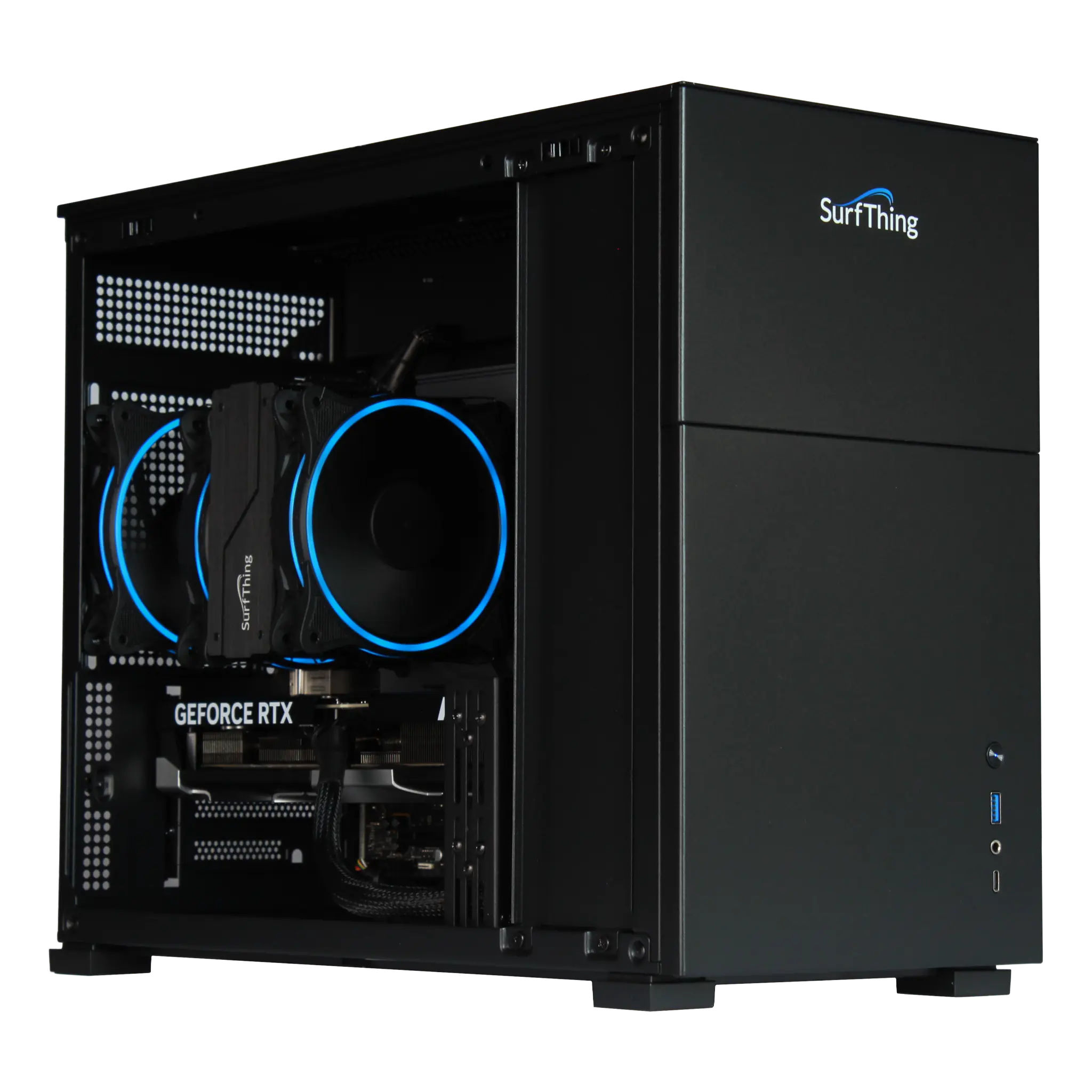
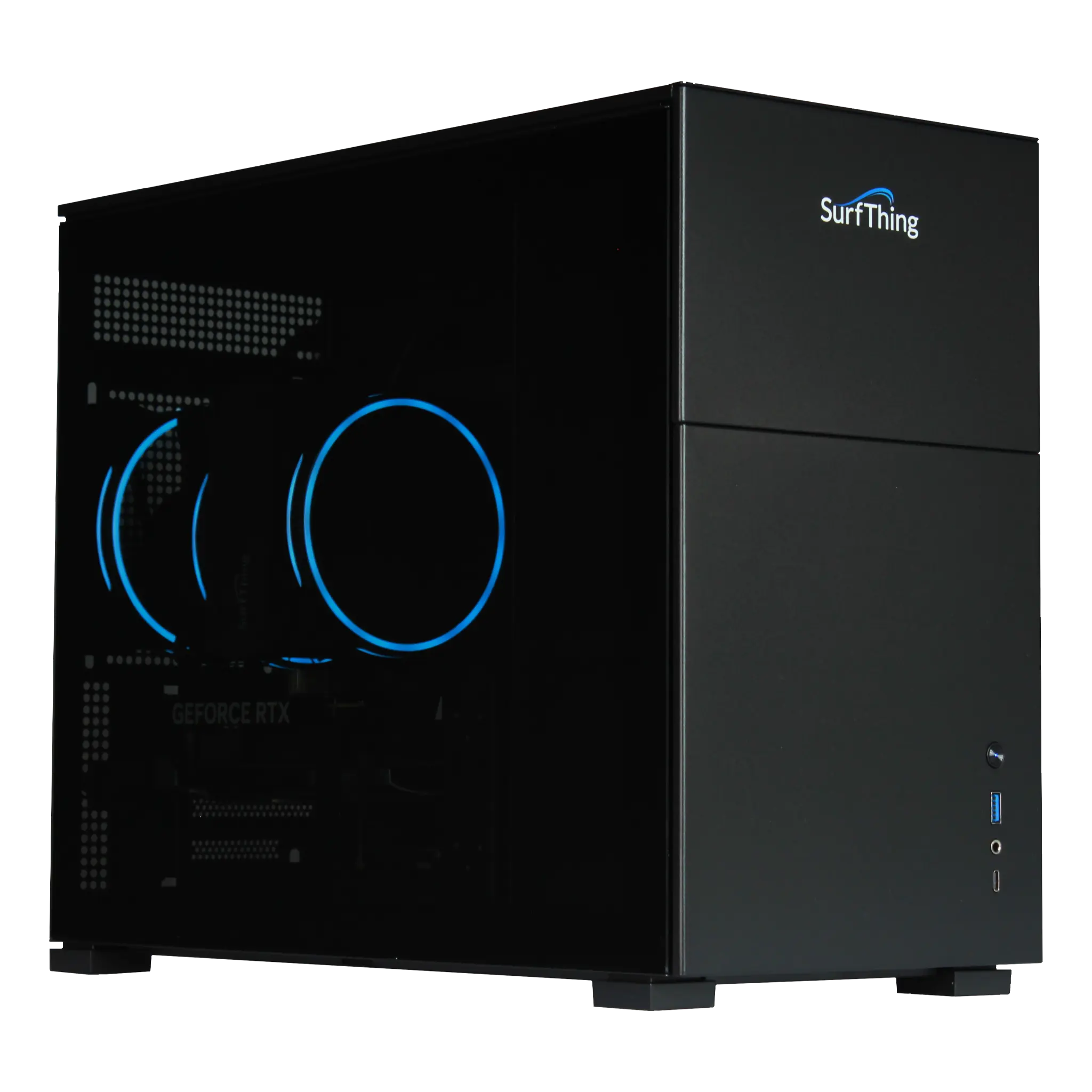
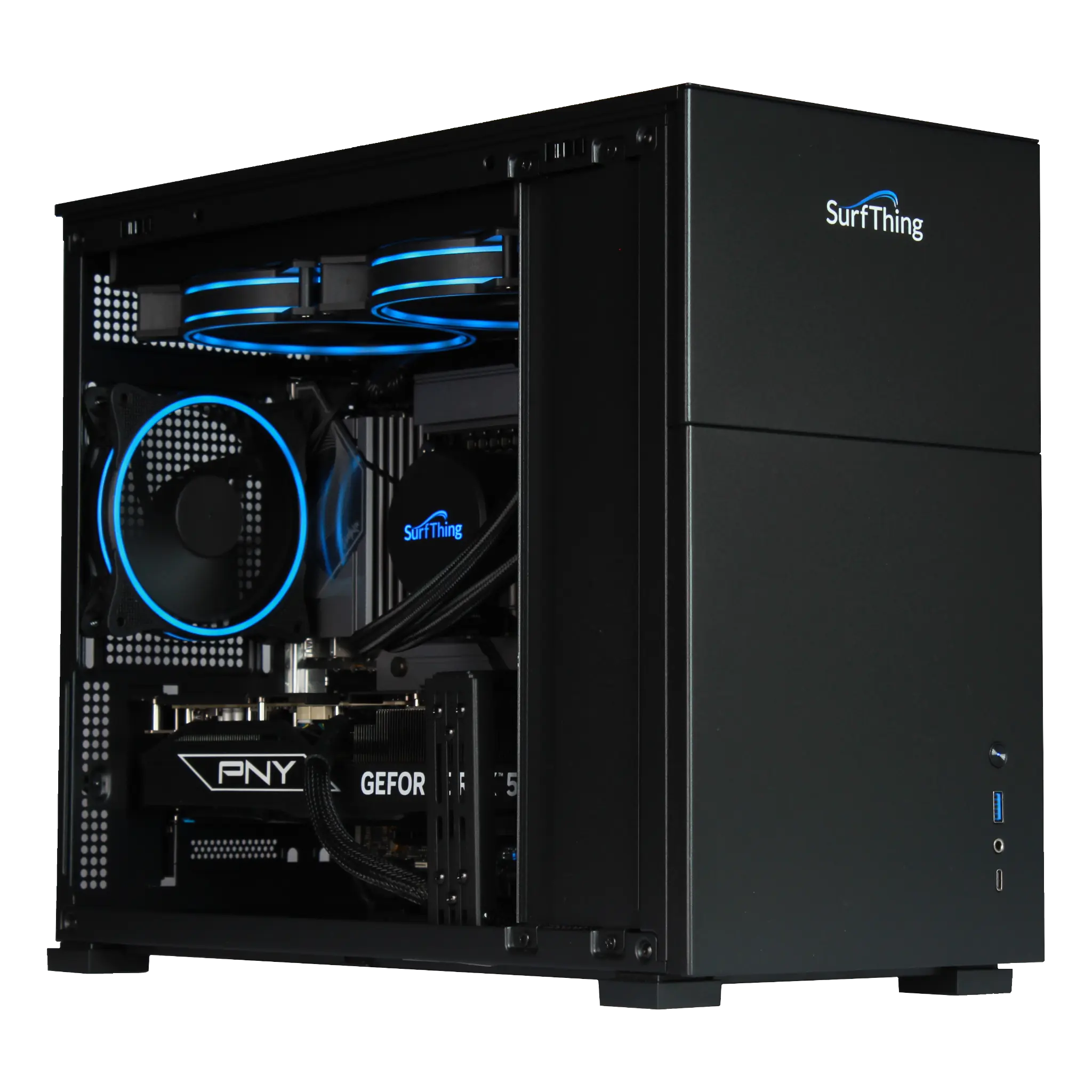
SurfThing’s 2026 lineup is built around the Intel Core Ultra processors and NVIDIA GeForce RTX 50-Series graphics cards. This ensures compatibility with future software updates for GSPro and FSX Play.
-
SG3-5602 (1080p Entry): The reliable choice for standard HD setups, powered by the RTX 5060 for smooth, consistent gameplay.
-
SG3-5702Ti (4K Enthusiast): The "sweet spot" for 2026. Featuring the RTX 5070 Ti, this unit handles high-speed swing cameras and 4K simulation simultaneously without breaking a sweat.
-
SG3-5802 (4K Ultimate): The flagship build. Equipped with the RTX 5080 (16GB GDDR7) and liquid cooling, it is designed for luxury bays with multiple monitors and ultra-high-definition laser projection.
2. ProStation G2 Touchscreens: The Command Center
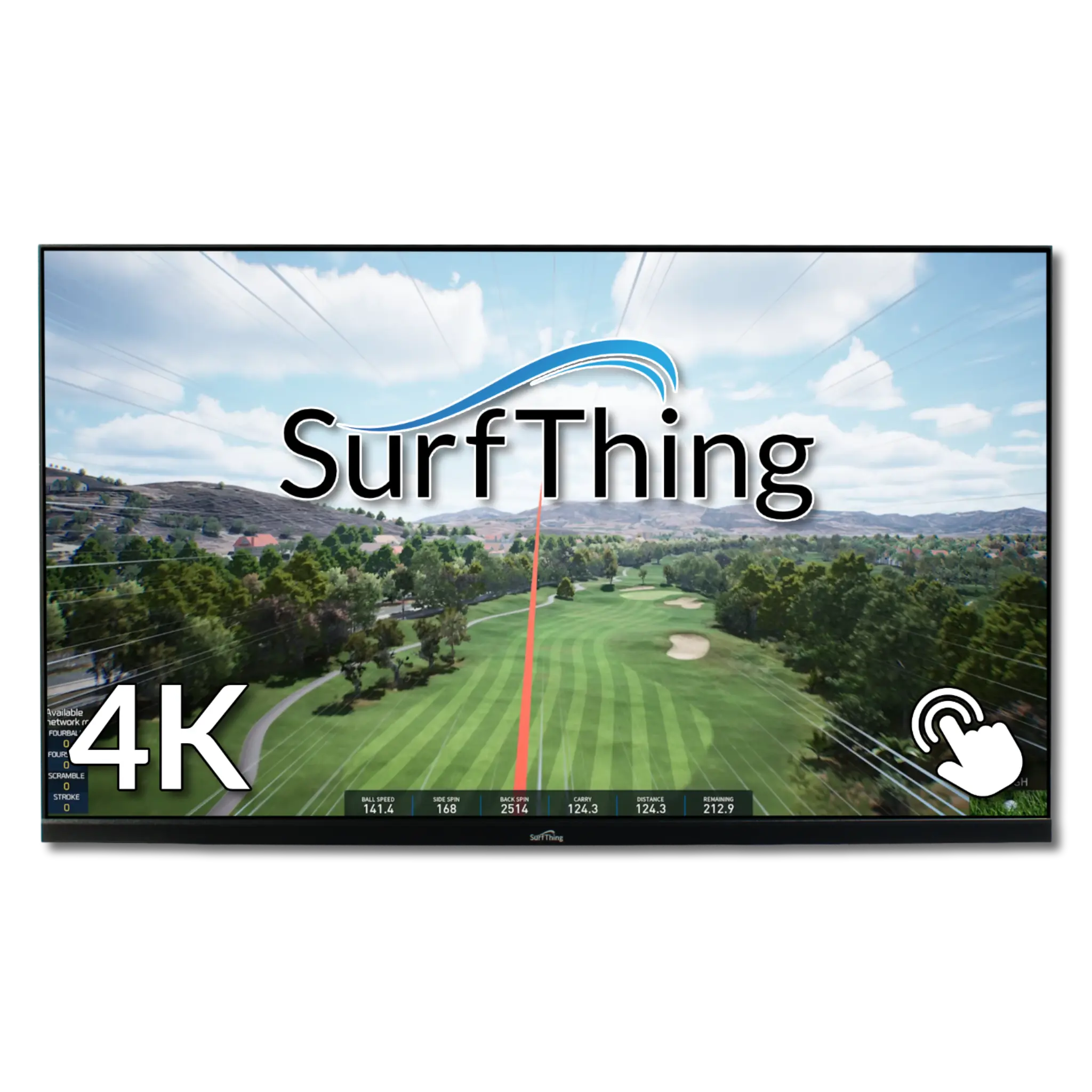
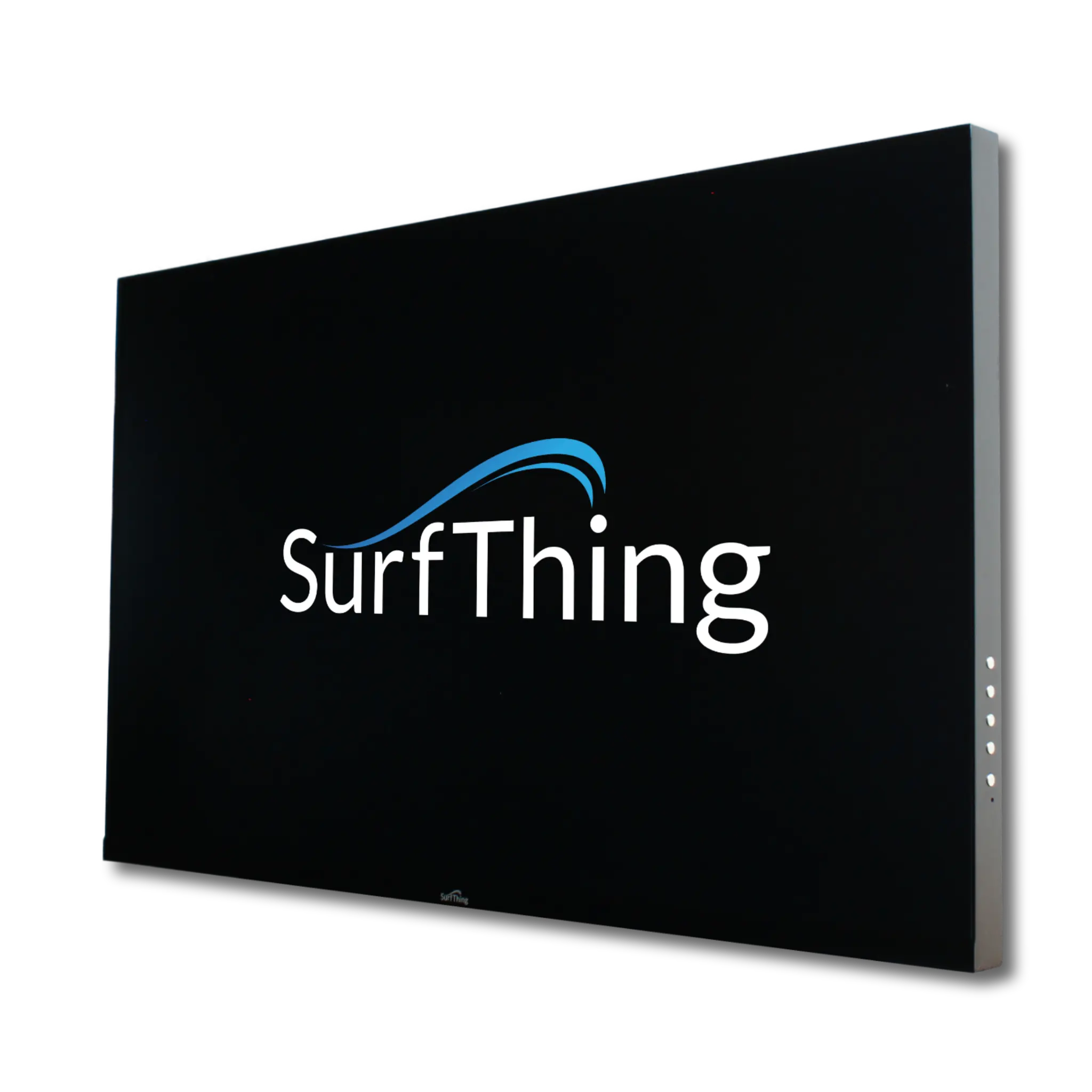
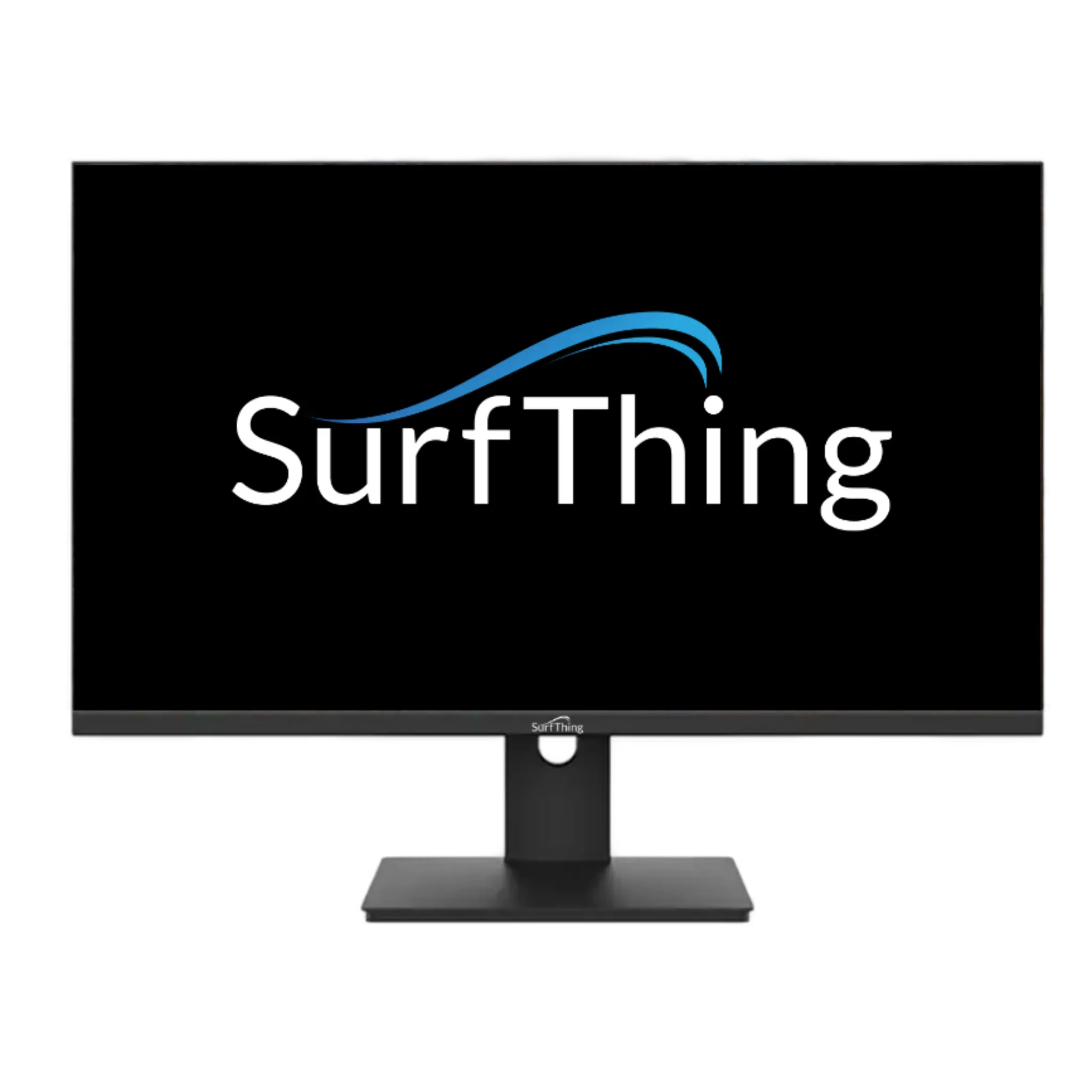
Stop walking back to your desk. SurfThing’s ProStation Touch G2 displays (available in 24” and 32” 4K models) are industrial-grade panels designed to survive the simulator environment. With high-brightness 75Hz refresh rates and glove-friendly touch sensitivity, they allow you to navigate GSPro and E6 Connect with a single tap from the hitting area.
3. High-Speed Swing Camera Integration
SurfThing isn't just about PCs; they are the leaders in video analysis hardware. Their Fox (USB 3) and Lynx (GigE) high-speed sports cameras capture up to 320 frames per second, providing the crystal-clear swing replays that professional coaches and serious students demand.
SurfThing FAQ
Q: Why choose a SurfThing PC over a standard gaming computer?
A: SurfThing units are "hardened" for simulator use, featuring specialized cooling to handle the unique dust and temperature profiles of garages and basements, as well as pre-configured drivers for launch monitors like Uneekor and Foresight.
Q: Are the touchscreens impact-resistant?
A: Yes. SurfThing monitors feature chemically strengthened glass fronts. While we don't recommend hitting them with a ball, they are built to withstand the vibration and accidental contact common in a hitting bay.
Q: Can I run multiple monitors on a SurfThing SG3?
A: Absolutely. All SG3 models feature multiple HDMI and DisplayPort outputs, allowing you to run your main projector, a side touchscreen, and even a third display for a "Leaderboard" or video analysis simultaneously.