
Common Home Golf Setup Problems and How to Fix Them
Setting up an in-home golf environment opens up a world of opportunities for golf enthusiasts. Whether you're working on your swing or enhancing your short game on an indoor putting green, the convenience of home golf simulators can be unparalleled. However, it's not uncommon to encounter some challenges along the way. Here, we will tackle some common home golf setup problems and provide solutions to help you create the perfect indoor golf oasis.
Problem 1: Limited Space
The Challenge:
One of the most frequent obstacles is the lack of adequate space. Whether it's setting up a full golf simulator or arranging a putting green, limited space can make your in-home golf aspirations seem daunting.
The Solution:
Invest in compact and versatile equipment. The SimSpace Golf Simulator Enclosure offers an optimized footprint that allows for efficient use of space without compromising on performance. By utilizing a modular design, the enclosure fits into smaller areas while still delivering an immersive golf simulation experience.
Problem 2: Inaccurate Data
The Challenge:
The crucial element of any golf simulation or tech setup is accurate data from launch monitors. Inconsistent data can hinder your practice by providing unreliable feedback about your swing.
The Solution:
Consider upgrading to a more sophisticated launch monitor. The Foresight Sports Falcon Launch Monitor delivers precise data, essential for honing your skills effectively. If you're looking for a comprehensive package, the Uneekor EYE XO2 Launch Monitor All-In Package offers advanced features for detailed analytics.
Problem 3: Lag and Software Issues
The Challenge:
Experiencing lag or software issues can disrupt your indoor golf experience, frustratingly impacting your practice sessions.
The Solution:
Ensure that your setup includes a powerful computer to support the demands of high-quality golf simulators and software. The SurfThing SG3-5702Ti Golf Simulator and Gaming Computer is designed to handle multiple computing demands, seamlessly running your golf simulation programs with minimal lag.
Problem 4: Realistic Putting Experience
The Challenge:
Achieving a realistic putting experience indoors can be challenging, as many setups fail to replicate the feel and spontaneity of real golf greens.
The Solution:
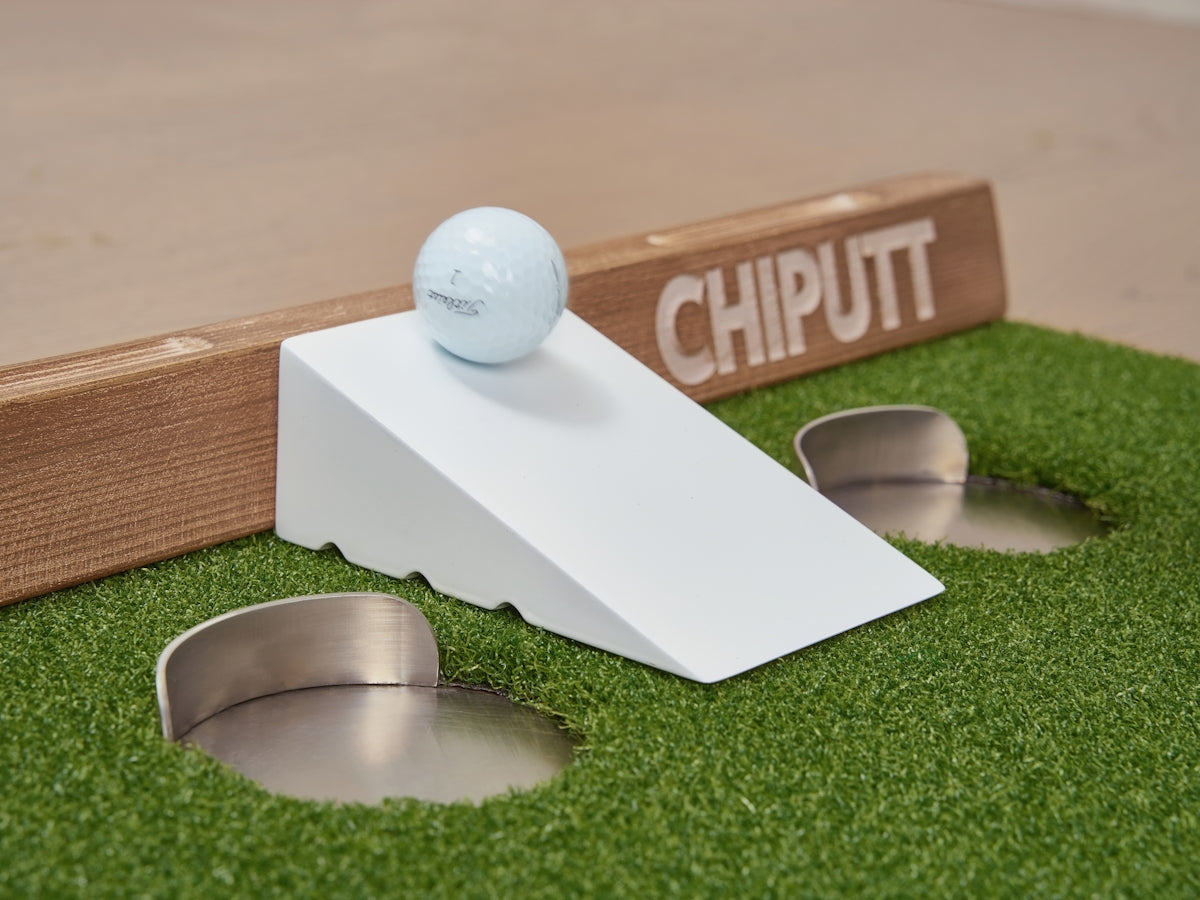
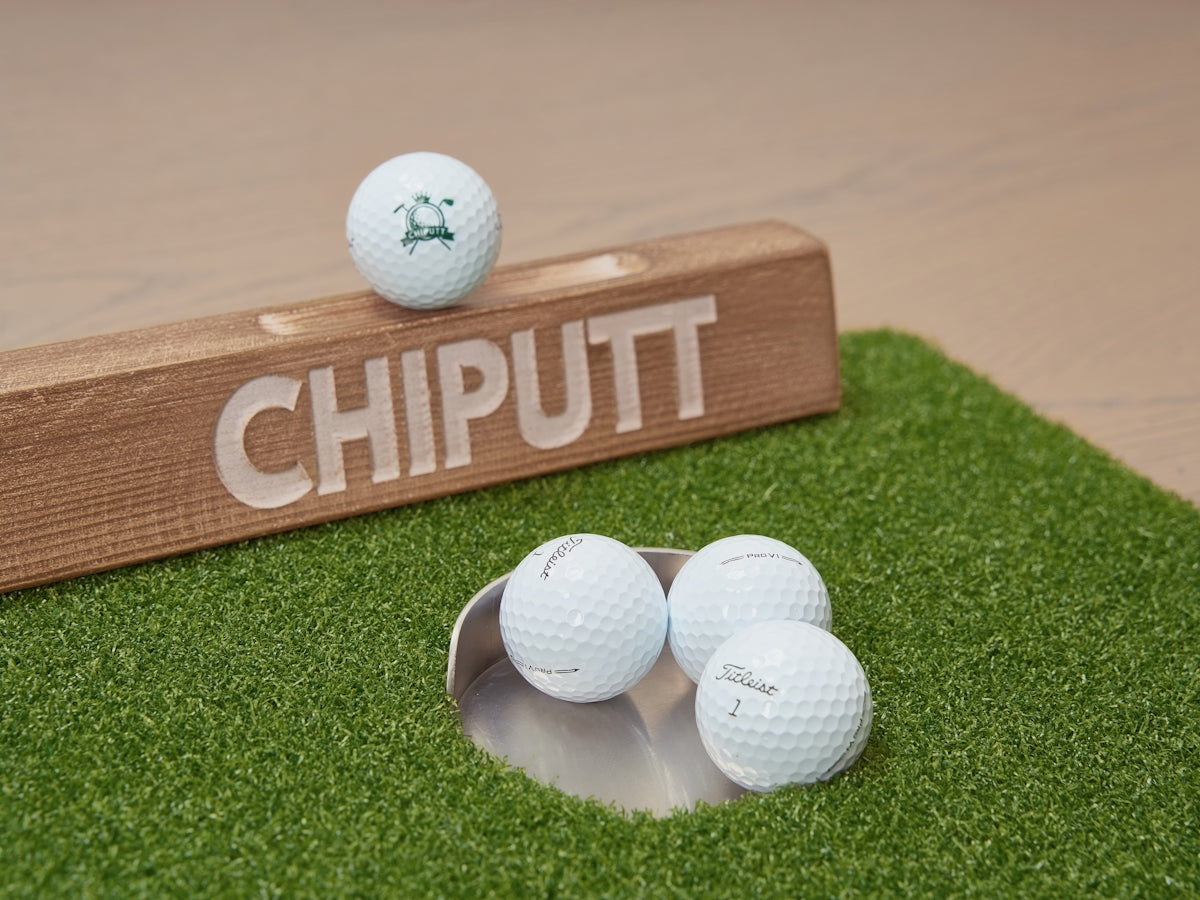
Set up a dedicated indoor putting green that mimics real-life conditions. Using advanced turf technology, these greens bring the essence of the golf course to your home, allowing for optimal short game practice.
For more information on how to optimize your home golf setup with cutting-edge technology, visit Elevated Golf Simulators.
By addressing these common issues, you can transform your indoor golf setup into a space that enhances your game and adds value to your practice sessions. The right combination of space-efficient structures, precision technology, and top-tier equipment will translate into improved skills and greater enjoyment of the sport.